How to boot straight into PICO-8 on a Raspberry Pi

A single-purpose fantasy console, built from a headless Pi and about 30 minutes of patience. Power on, get PICO-8. No RetroPie, no desktop, no menu.

It's time, my friends, to talk about the PICO-8 fantasy console (opens in a new window). As the epithet implies, PICO-8 isn't an emulator of some ancient machine from the 1980s, but an "imaginary" device for making and playing games.
The limits imposed by the platform are strict. All PICO-8 games are confined to a screen that's only 128 pixels square, with a fixed palette of 16 colours, four channels of sound, and a hard ceiling of 32 kilobytes file size. Those specs are puny!
They're also an invitation. These rigid confines have inspired game designers and students to crack their knuckles and showcase their skills. That's why so much of the PICO-8 library is positively delightful. Ingenious, even.
In this post, I'm going to show you how to give the fantasy console a solid physical form so you can hook it up to a TV or projector and play it anywhere. How? We're going to install it on a Raspberry Pi (opens in a new window).
Make something good
So yes, PICO-8 is both a virtual box for playing games AND a complete development environment.
The same package holds a code editor, a sprite editor, a map editor, a sound-effects editor, and a little music composer. You don't have to alt-tab to a separate tool. You write some code in Lua (opens in a new window), tap over to the sprite sheet, draw a rabbit with a bow-tie, tap back, and your urbane bunny is there on the screen.
Cartridges take the form of PNG files. A PICO-8 game saves as a small picture of its own cartridge label, and that picture is the game. Hand it over to a friend and they can play it. Drag it back into PICO-8 and they can read every line of code that went into it.
Also built into the console is a browser called SPLORE which works like an infinite buffet for games which are both tiny and free. Scroll, pick and play. It's that simple.
The whole thing is transparent by design, which is why the community is one long chain of people peeking at each other's work and learning from each other.
There is a free Education Edition that runs entirely in a browser at pico-8-edu.com (opens in a new window). The full console is a one-off purchase from Lexaloffle of about fifteen dollars (roughly twelve quid); that single price includes the Raspberry Pi build we're going to use.
Why bother with a dedicated box?
You can already run PICO-8 on a Raspberry Pi the easy way. Software like RetroPie (opens in a new window), Recalbox (opens in a new window), Batocera (opens in a new window) and Lakka (opens in a new window) already supports it, and if you want one device that plays PICO-8 and a hundred other systems, that's the sensible path.
This tutorial is about setting up a Pi so that it does just one thing, the same way an arcade cabinet does one thing. You flip the switch and you're looking at a PICO-8 prompt within seconds, with nothing else on the machine to distract you (or update, or break).
We're going to build it from Raspberry Pi OS Lite, the headless image with no desktop environment at all. That way you have a lighter install, faster boot, and fewer moving parts.
It's the difference between a phone with a games app and an actual handheld console. Both work. But only one feels like a console.
What you'll need
Gather together the following:
A copy of PICO-8 (the Raspberry Pi zip, downloaded from your Lexaloffle account)
A Raspberry Pi (any model will do, a 4 or 5 boots fastest)
A microSD card, 16GB or larger, plus a reader
A keyboard and a display wired up to the Pi
Another computer to flash the card
The whole thing takes about half an hour, most of which is the Pi thinking to itself while packages install.
Step 1. Flash Raspberry Pi OS Lite
Use the official Raspberry Pi Imager (opens in a new window) on your other computer. Pick Raspberry Pi OS Lite (64-bit) for a Pi 4, 5, or any modern board. Choose Lite (32-bit) only if you are on something ancient like a Pi 1 or Zero.
Before you hit write, open the Imager's settings cog and do yourself a favour. Set a username and password, set your locale and keyboard layout, and enable SSH.
On a headless box, SSH is your lifeline for everything you will inevitably want to fix later without unplugging the thing and dragging it back to a monitor.
Write the card, then put it in the Pi.
Step 2. First boot and autologin
Connect the display before you power on, then boot the Pi. It'll do some first-run housekeeping and land you at a login. Log in with the credentials you set.
Now we tell the Pi to log itself in automatically on every boot, because a console you have to type a password into is not a console.
sudo raspi-config
Navigate with the arrow keys. Go to System Options, then Boot / Auto Login, and choose Console Autologin.
While you are in here, sort out your wireless network under System Options if you're not on ethernet, and run the Update option once. Then arrow over to Finish and say "no" to rebooting just yet.
Step 3. Install the one dependency that matters
Freshen the package list and grab the library PICO-8 needs to open a window.
sudo apt update
sudo apt install libsdl2-dev
A word of warning: You want libsdl2-dev, the development package, not just the runtime libsdl2-2.0-0.
It's counter-intuitive (we're not compiling anything), but the runtime-only package leaves PICO-8 throwing a flat FATAL ERROR: Unable to create window on boot.
Install the dev one and the problem evaporates. I don't have a tidy explanation for why this is the case, and neither do other resources I consulted, but it's consistent enough to treat as gospel.
Step 4. Get PICO-8 onto the Pi
The PICO-8 Raspberry Pi zip lives behind your Lexaloffle account, on the updates page (opens in a new window). You need to get it into your home directory on the Pi, at /home/yourname/.
Easiest route, if you enabled SSH in step one, is to copy it from your other machine with scp pico-8_raspi.zip yourname@raspberrypi.local:/home/yourname/ (swap in the real zip filename and your username).
A USB stick or just dragging the file onto the card from another Linux box both work too. Once it's there, unzip it with unzip pico-8_raspi.zip.
Step 5. Pick the right binary and test it
Inside the pico-8 folder you'll find pico8, pico8_dyn, and pico8_64. Which one runs depends on your board, and the honest answer is you might have to try several.
pico8_dynis the safe first thing to try. It's the dynamically-linked build and runs on most Pis, 32-bit or 64-bit.pico8_64is the 64-bit build. On a modern Pi 4 or 5 it's often the better pick, and on a few 64-bit images it's the only one that'll start.
So if the first binary you try throws a black screen or a permissions sulk, don't assume the install is broken. Swap to the other one before anything else. That single switch is what fixes the majority of "it won't launch" reports.
Test it directly with ~/pico-8/pico8_64 -splore. If the screen fills with that warm dark-blue PICO-8 boot and drops you into the SPLORE browser, you're basically done.
Press Ctrl+Q to quit back to the prompt. (No window, just SDL errors? No sound? Skip to troubleshooting.)
Step 6. Boot straight in, the sane way
The important bit. The common advice is to append the launch command to ~/.bashrc.
Don't do that.
~/.bashrc runs on every interactive shell, which means the next time you SSH in to tweak something, you will be thrown into PICO-8 instead of a usable prompt, on the one machine where the command line is your only way in. That is a trap with your own name on it.
Instead, we put the launcher in ~/.bash_profile and guard it so it only fires on the physical console (tty1), when the screen is actually plugged into the Pi. SSH sessions will sail past it untouched.
Open it with nano ~/.bash_profile and add the following:
if [ "$(tty)" = "/dev/tty1" ]; then
    exec ~/pico-8/pico8_64 -splore
fi
Save with Ctrl+S, exit with Ctrl+X. (Use pico8_dyn on a 32-bit board.)
The exec replaces the login shell with PICO-8 rather than launching it as a child, so the console has nothing lurking behind the game. Now reboot with reboot.
The Pi should power up, log itself in, and land directly in SPLORE with no prompt, no menu, no faffing about.
Troubleshooting
Black screen, or a wall of SDL errors, no PICO-8. Usually one of two things. Either you're running the wrong binary (see step 5, swap
pico8_64andpico8_dyn), or PICO-8 launched a hair too early in the boot. For the timing one, add asleep 15line above your launch command. It costs fifteen seconds on every boot, so only reach for it if you need it, and mostly older boards need it.Permission denied. The binary lost its executable bit, common after copying files around. Mark it runnable with
chmod +x ~/pico-8/pico8_64.No sound. Hop back into
sudo raspi-config, into System Options then Audio, and point output at the right device (HDMI or the headphone jack).Composite video to a CRT goes black once PICO-8 starts. This is a known KMS driver wrinkle. Switching from full KMS to fake KMS (
FKMS) inconfig.txt, or starting from the 32-bit legacy Lite image, has fixed it for people. Niche, but if you're doing the CRT thing you're already getting deep into the weeds.One last sensible reminder. This is a fantasy console, but underneath it is a real computer on the real internet. Run
sudo apt update && sudo apt upgradeevery now and then to keep it patched.
Five carts to type into SPLORE right now
SPLORE is a search box, which is wonderful and slightly paralysing. So here's a starter library. Search each by name, hit play, thank me later.
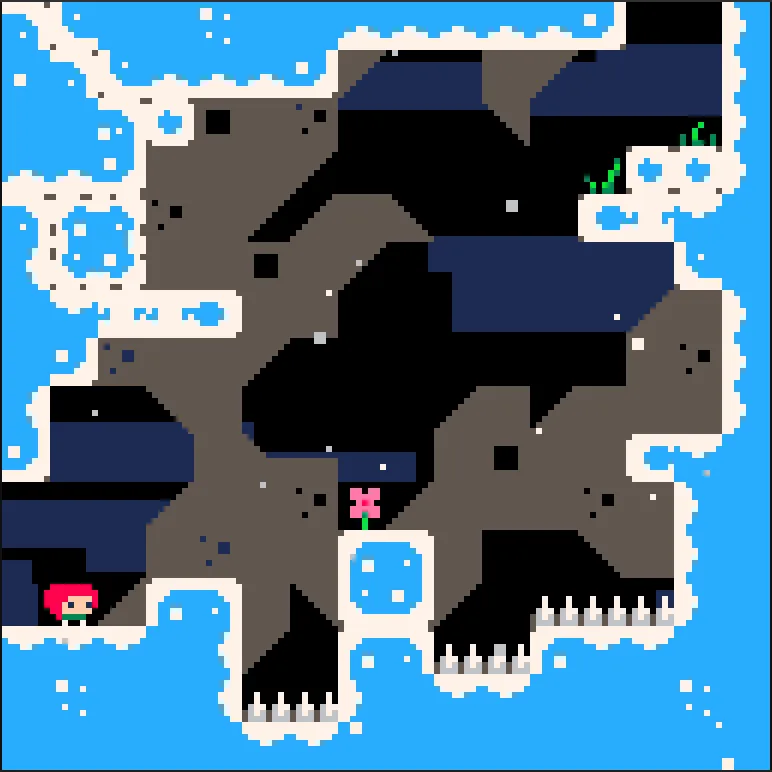
Celeste by Maddy Makes Games. (opens in a new window) The original Celeste Classic, knocked out in a handful of days for a game jam, before it grew up into the acclaimed indie darling. Tight platforming action with "just one more go" energy. The single best argument that constraints lead to great games.
MotionREC by shomaisshi. (opens in a new window) Ingenious adventure where you can record your movements and replay them to navigate traps and obstacles. When the gameplay loop clicks, it really clicks.
Dank Tomb by Jakub Wasilewski (opens in a new window). A moody little puzzle-adventure through dim corridors and an old mad king's story. Proof PICO-8 can do atmosphere, not just arcade.
Combo Pool by NuSan (opens in a new window). Merge balls, chain combos, lose an hour. The kind of clean, replayable loop the format was made for.
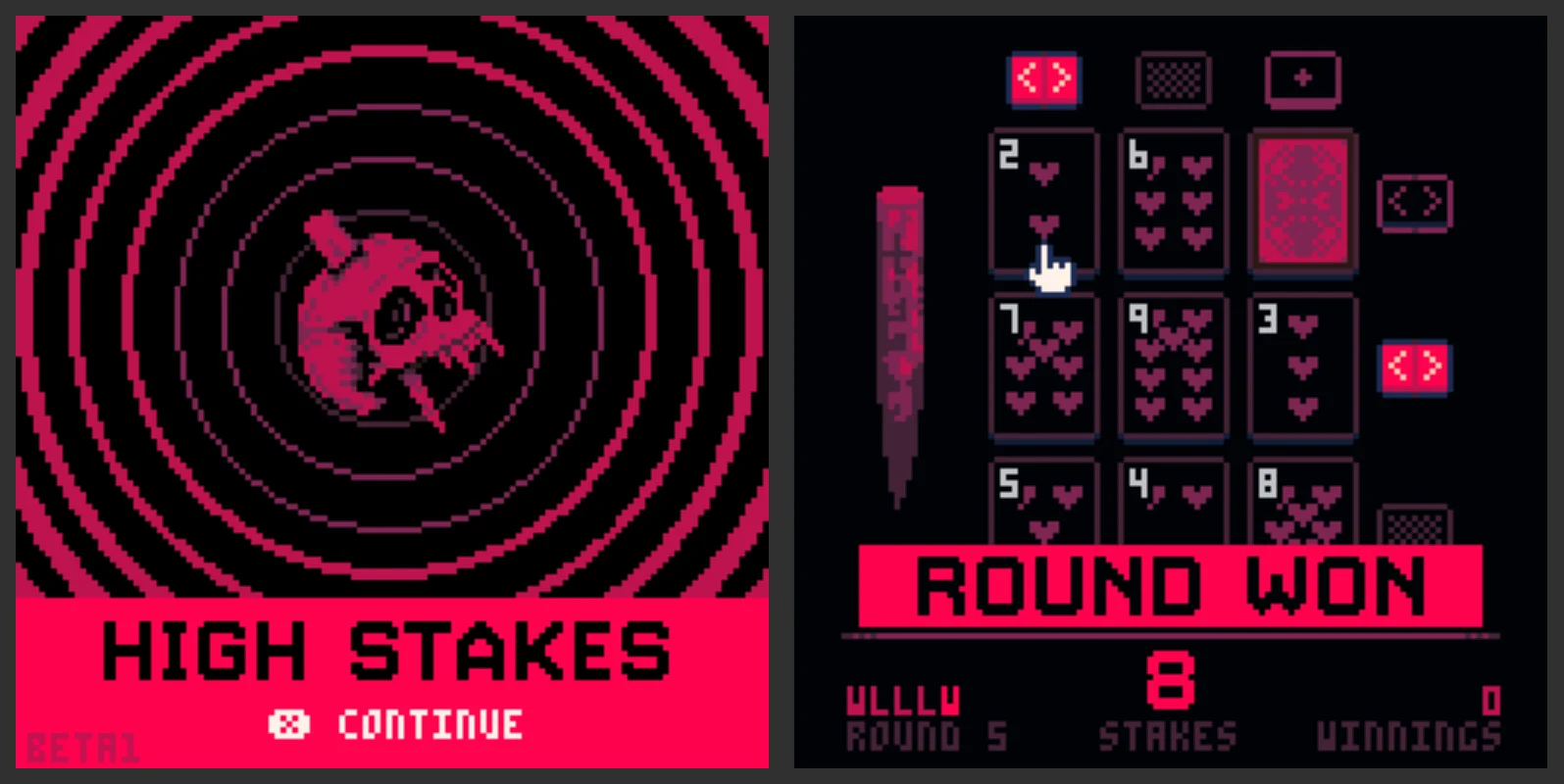
High Stakes by Krystman. (opens in a new window) Gamble for your life against vampires with only a deck of cards, a wooden stake, and your blood! A minimalist marvel in terms of soundtrack, atmosphere, and design.
That's enough to be getting on with. The deeper cuts (and there are many) are a story for another post, another day. Thanks for reading!